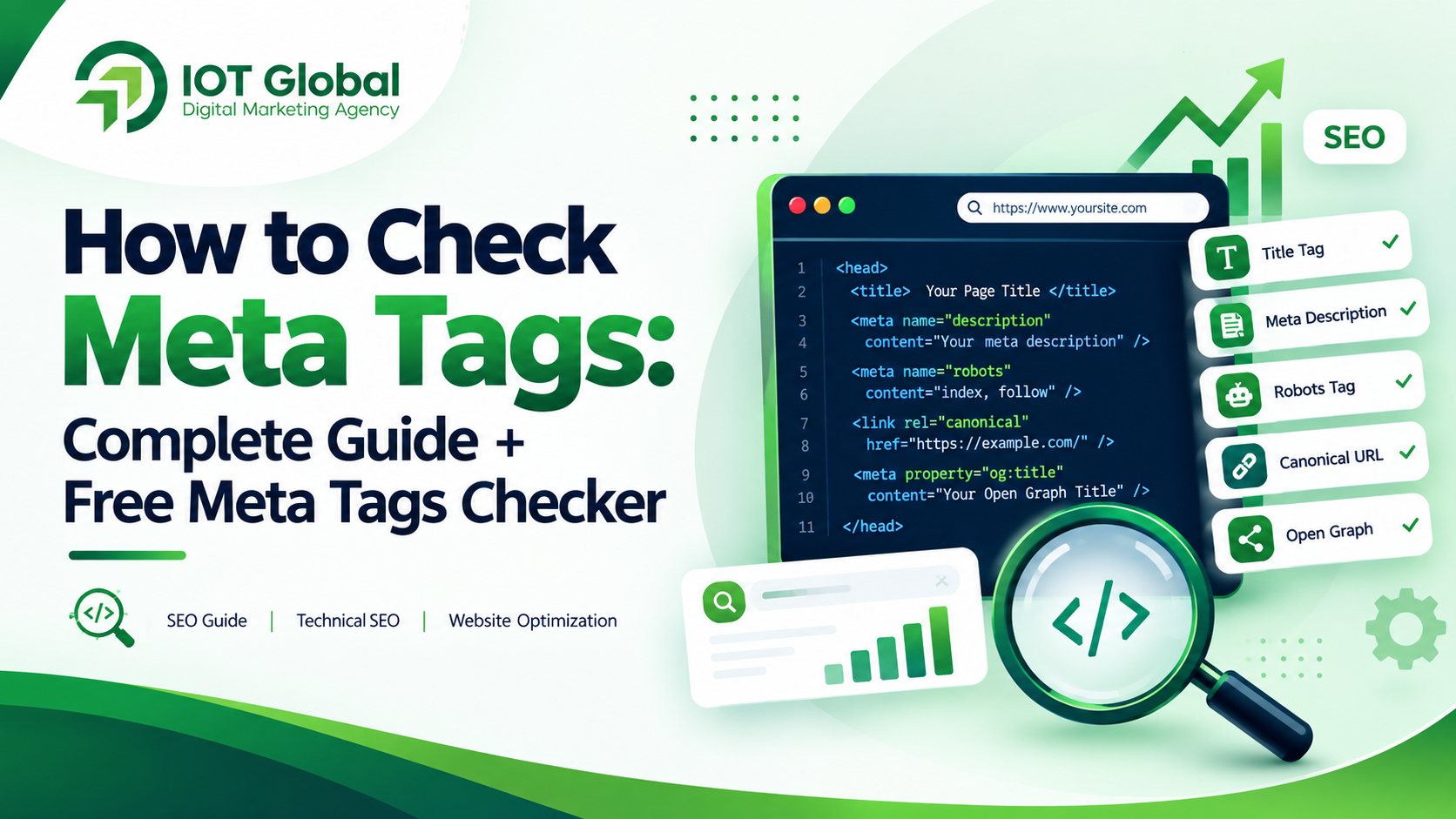
Meta tags are one of the most important parts of a webpage’s HTML because they provide information about a page to search engines and other systems. If your website has missing, duplicated, poorly written, or incorrectly configured metadata, it can make it harder for search engines and users to understand what your page is about.
The good news is that you don’t need to inspect every line of HTML manually.
A meta tags checker can quickly scan a webpage and help you identify important SEO elements such as the title tag, meta description, robots directives, canonical URL, Open Graph tags, and other metadata.
In this guide, you’ll learn how to check meta tags, what each important tag does, common mistakes to look for, and how you can use a free SEO checker to audit your website.
What Are Meta Tags?
Meta tags are pieces of HTML information placed inside the <head> section of a webpage. They provide additional information about the page to search engines and other clients.
For example:
<meta name="description" content="Learn how to improve your website SEO with practical strategies.">
Meta tags generally aren’t visible as normal content on the webpage. Instead, they communicate information about the page to browsers, search engines, and social platforms.
Google supports several meta tags, including the description, robots, googlebot, viewport, and verification-related tags. However, not every meta tag found online has an SEO benefit.
Why Should You Check Meta Tags?
A website can look perfectly normal to a visitor while still having SEO problems in its HTML.
For example, a page might have:
- A missing title tag
- A duplicate title
- An empty meta description
- A description that doesn’t match the page
- Incorrect robots directives
- A missing canonical URL
- Missing Open Graph information
- Incorrect or duplicated metadata
- Old or unnecessary meta tags
Regularly checking your meta tags helps you identify these issues before they become bigger technical SEO problems.
For businesses competing in Google Search, metadata should be considered part of a broader on-page SEO strategy, rather than something to optimize once and forget.
How to Check Meta Tags
There are several ways to check meta tags on a website.
Method 1: View the Page Source
The simplest manual method is to open a webpage and inspect its HTML.
On most desktop browsers, you can right-click the webpage and select View Page Source.
Then search for:
<title>
and:
<meta
You may find code similar to:
<title>Digital Marketing Agency | IOT Global</title>

<meta name="description" content="Digital marketing and SEO solutions designed to help businesses grow online.">

<meta name="robots" content="index, follow">
This method works, but it can become time-consuming when you need to check multiple pages.
Method 2: Use a Meta Tags Checker
A faster approach is to use a meta tags checker or SEO audit tool.
A checker can automatically inspect important SEO elements and present the results in an easier-to-understand format.
Instead of manually searching through HTML, you can enter a webpage URL and review the available metadata.
For a broader website audit, you can use the IOT Global Free SEO Checker, which checks several important SEO elements including title tags, meta descriptions, headings, images, links, schema, canonical configuration, robots.txt, and Open Graph information.
Method 3: Use Google Search Console
Google Search Console can help you understand how Google accesses and processes your website.
For technical investigation, Google’s documentation also recommends the URL Inspection Tool for checking supported meta tags and attributes on individual pages.
Remember that a meta tag check is only one part of SEO. Search visibility also depends on the quality and relevance of the page content, links, technical accessibility, competition, and other factors.
What Meta Tags Should You Check?
When running a metadata audit, don’t simply look for the word “meta.”
Focus on the tags and elements that actually matter for your website.
1. Title Tag
The <title> element tells users and search engines what a webpage is about.
Example:
<title>SEO Services for Businesses | IOT Global</title>
Every important page should have a clear and descriptive title.
Google recommends descriptive and concise titles and advises against keyword stuffing or using the same boilerplate title across many pages. Google may also generate a title link using other page elements when it determines that another title better represents the page.
What to check:
- Is the title present?
- Is it unique?
- Does it accurately describe the page?
- Does it contain the primary topic naturally?
- Does it avoid unnecessary keyword repetition?
2. Meta Description
The meta description provides a short summary of a webpage.
Example:
<meta name="description" content="Discover practical SEO strategies to improve your website visibility, attract qualified visitors and grow your online presence.">
Google may use the meta description to generate the search snippet when it considers it a better description of the page, although Google can also create snippets directly from the page’s visible content.
What to check:
- Is the description present?
- Is it unique?
- Does it accurately summarize the page?
- Does it naturally include the page’s main topic?
- Does it give searchers a reason to visit?
Avoid filling the description with a list of keywords. Google specifically recommends writing useful, descriptive summaries rather than keyword strings.
3. Robots Meta Tag
The robots meta tag can provide search-engine crawling and indexing instructions.
For example:
<meta name="robots" content="index, follow">
You should pay particular attention to pages that unexpectedly contain directives such as:
<meta name="robots" content="noindex">
A noindex directive can prevent a page from appearing in search results.
Google states that the default behavior is index, follow, so you generally don’t need to specify those values unless you have a particular reason to do so.
4. Canonical URL
A canonical link element helps indicate the preferred URL for a page when multiple URLs can represent substantially similar content.
Example:
<link rel="canonical" href="https://example.com/example-page/">
When checking your SEO, verify that the canonical URL points to the version of the page you actually want search engines to treat as canonical.
A wrong canonical can create confusion during indexing.
5. Viewport Meta Tag
The viewport tag helps browsers render pages appropriately on mobile devices.
A common example is:
<meta name="viewport" content="width=device-width, initial-scale=1">
Google lists viewport among the meta tags it supports.
For modern websites, mobile usability is an important part of the overall user experience.
6. Open Graph Tags
Open Graph metadata is commonly used to control how URLs appear when shared on social platforms.
For example:
<meta property="og:title" content="How to Check Meta Tags">

<meta property="og:description" content="Learn how to check important SEO meta tags and identify common metadata problems.">

<meta property="og:image" content="https://example.com/image.jpg">

<meta property="og:url" content="https://example.com/how-to-check-meta-tags/">
A meta tags checker can help you identify whether these social-sharing elements are present and correctly configured.
7. Charset
Your webpage should also declare its character encoding.
For example:
<meta charset="UTF-8">
Google’s documentation recommends UTF-8 where possible.
What About Meta Keywords?
This is one of the most common SEO questions.
You may still see websites containing:
<meta name="keywords" content="seo, digital marketing, seo agency">
But adding a list of keywords to this tag does not improve your Google rankings.
Google explicitly states that the meta keywords tag is not used by Google Search and has no effect on indexing or ranking.
Instead of spending time optimizing meta keywords, focus on:
- Helpful page content
- Search intent
- Clear titles
- Useful meta descriptions
- Internal linking
- Technical SEO
- Page experience
- Relevant structured data where appropriate
- High-quality backlinks
- Website authority and trust
How to Use a Meta Tags Checker for SEO
If you want to check a webpage quickly, follow this process.
Step 1: Select the URL
Choose the webpage you want to audit.
For example:
https://example.com/page/
Step 2: Run the Check
Enter the URL into your SEO audit tool.
Step 3: Review the Title
Check whether the title exists, accurately describes the page, and is unique.
Step 4: Review the Meta Description
Look for missing, duplicate, irrelevant, or poorly written descriptions.
Step 5: Check Indexing Directives
Look for robots-related problems such as accidental noindex directives.
Step 6: Check Canonical Configuration
Make sure the canonical URL is appropriate for the page.
Step 7: Check Social Metadata
Review Open Graph information if social sharing is important for your website.
Step 8: Fix the Issues
Update the relevant HTML or SEO settings in your CMS.
Step 9: Recheck the Page
Run the URL through the checker again after making your changes.
This creates a simple check → fix → recheck SEO workflow.
Check Your Website SEO for Free
If you want more than just a meta tag check, use the IOT Global Free SEO Checker.
The tool can analyze important elements including:
- SEO score
- Title tag
- Meta description
- H1–H6 headings
- Image ALT attributes
- Internal and external links
- Schema markup
- Robots.txt
- Canonical URL
- Open Graph metadata
You can check your website SEO for free and identify technical and on-page SEO issues that may need attention.
Common Meta Tag Mistakes to Avoid
1. Using the Same Title on Every Page
Each important page should have a title that describes its specific content.
2. Copying the Same Meta Description Everywhere
Google recommends creating unique descriptions for individual pages whenever possible.
3. Keyword Stuffing
Adding the same keyword repeatedly doesn’t make a page more relevant.
For example, avoid titles such as:
SEO Agency | SEO Company | Best SEO Agency | SEO Services | SEO Expert
Instead, write a clear title that describes the actual page.
4. Ignoring Technical Directives
A beautiful page won’t receive organic search traffic if important pages are accidentally blocked from indexing.
5. Focusing Only on Meta Tags
Meta tags are important, but they are not the entire SEO strategy.
A page also needs useful content, good internal linking, appropriate technical implementation, and a strong overall user experience.
How Meta Tags Fit Into a Complete SEO Strategy
Think of meta tags as one layer of your SEO system.
A complete SEO strategy can include:
Keyword Research → Search Intent → Content → Title & Metadata → Internal Linking → Technical SEO → Structured Data → Authority & Links → Measurement
This is why businesses often combine technical SEO with content marketing and broader digital marketing services.
If you’re looking for professional support with SEO, content, website development, social media marketing, or broader digital marketing, you can explore IOT Global Agency for digital marketing solutions.
Meta Tags Checker vs Full SEO Checker
A meta tags checker is useful when your primary goal is to inspect metadata.
A full SEO checker goes further.
| Check | Meta Tags Checker | Full SEO Checker |
|---|---|---|
| Title tag | ✓ | ✓ |
| Meta description | ✓ | ✓ |
| Robots directives | ✓ | ✓ |
| Canonical | ✓ | ✓ |
| Open Graph | Often | ✓ |
| Headings | Limited | ✓ |
| Image ALT | Usually no | ✓ |
| Links | Usually no | ✓ |
| Schema | Limited | ✓ |
| Robots.txt | Usually no | ✓ |
| Overall SEO audit | Limited | ✓ |
If you’re investigating one specific metadata problem, a meta tag checker may be enough.
If you want a broader picture of your webpage’s SEO health, a full SEO audit is more useful.
Frequently Asked Questions
What is a meta tags checker?
A meta tags checker is an SEO tool that analyzes a webpage’s HTML metadata and helps identify elements such as title tags, meta descriptions, robots directives, canonical information and social metadata.
How do I check meta tags on a website?
You can manually inspect the webpage source code or use an online meta tags checker. An SEO audit tool can make the process faster by automatically extracting and organizing important metadata.
Are meta tags important for SEO?
Some meta tags and attributes are useful for SEO and search appearance, while others are ignored by Google. For example, Google supports the meta description and robots meta tags, while the old meta keywords tag has no effect on Google Search rankings.
Does Google use meta descriptions for ranking?
A meta description is not a guarantee of ranking improvement. Google may use it to generate a search-result snippet when it provides a useful description of the page, but snippets can also be generated from visible page content.
Does Google still use meta keywords?
No. Google states that the meta keywords tag is not used by Google Search and has no effect on indexing or ranking.
How often should I check my meta tags?
Check important pages whenever you publish or significantly update them. A periodic SEO audit can also help identify metadata problems introduced during website updates or redesigns.
Can I check meta tags for free?
Yes. You can use the IOT Global Free SEO Checker to audit important SEO elements including titles, meta descriptions, headings, images, links, schema, canonical configuration and Open Graph data.
Can a meta tags checker improve Google rankings?
A checker itself does not improve rankings. It helps you identify potential issues so you can make appropriate SEO improvements. Rankings depend on many factors beyond metadata.
Final Thoughts
Knowing how to check meta tags is an essential skill for anyone working on website SEO.
Your title, meta description, robots directives, canonical configuration and social metadata should all be reviewed as part of your technical and on-page SEO process.
However, don’t treat metadata as a shortcut to Google rankings. The goal is to make every page clear, useful, technically accessible and relevant to the searcher’s needs.
Start by checking your website’s metadata, identify the issues, make the necessary improvements, and then run another audit.
Ready to check your website?
Use the IOT Global Free SEO Checker to analyze your webpage and review important SEO elements.
And if you need help with a broader SEO or digital marketing strategy, explore IOT Global Agency for professional digital marketing solutions.
and you can also check : https://iotglobal.agency/free-seo-checker/