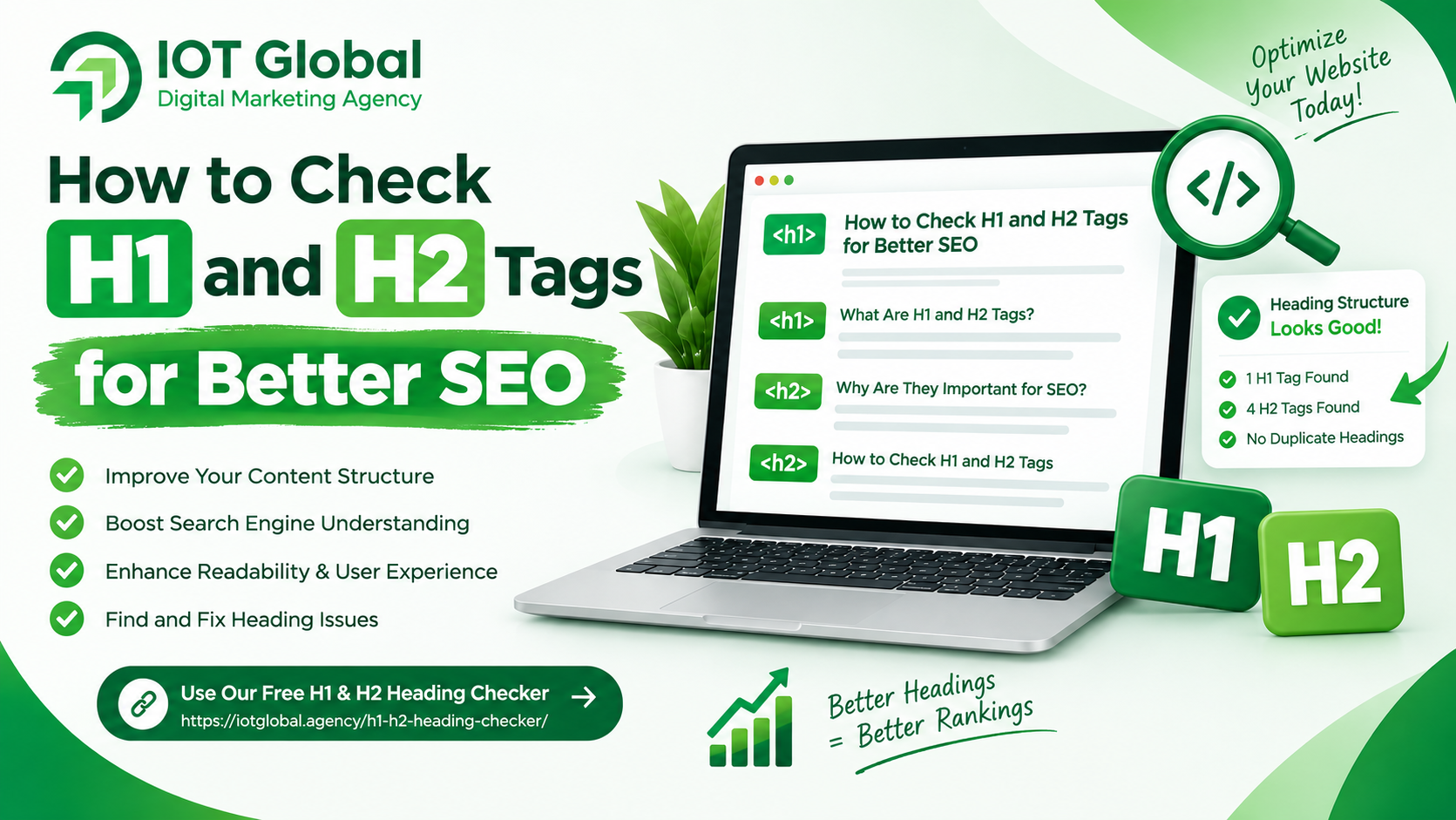
Your website’s heading structure plays an important role in SEO, readability, and user experience. H1 and H2 tags help search engines understand the main topic of a webpage and help visitors quickly scan your content.
If your headings are missing, duplicated, poorly structured, or unrelated to your page content, your website may have an unclear content hierarchy.
The good news is that checking your H1 and H2 tags is simple.
You can use the H1 & H2 Heading Checker by IOT Global to quickly analyze the heading structure of a webpage and identify potential heading-related SEO issues.
What Are H1 and H2 Tags?
HTML headings are used to organize webpage content into a logical structure.
What Is an H1 Tag?
The H1 tag generally represents the main heading or primary topic of a webpage.
For example:
<h1>How to Improve Your Website SEO</h1>
A well-written H1 tells both users and search engines what the page is primarily about.
Ideally, your H1 should:
- Clearly describe the main topic
- Include the primary keyword when appropriate
- Be relevant to the page content
- Be easy for visitors to understand
- Appear prominently on the page
For example, if your target keyword is H1 and H2 tags, an appropriate H1 could be:
How to Check H1 and H2 Tags for Better SEO
What Is an H2 Tag?
H2 tags are used for the main sections underneath your H1.
For example:
<h1>How to Check H1 and H2 Tags for Better SEO</h1>

<h2>What Are H1 and H2 Tags?</h2>

<h2>Why Are H1 Tags Important?</h2>

<h2>How to Check H1 and H2 Tags</h2>
H2 headings divide your content into meaningful sections and make long articles easier to read.
Why Are H1 and H2 Tags Important for SEO?
Search engines need to understand the structure and subject of your webpage. Proper headings provide useful context about the content.
A good heading structure can help with:
1. Better Content Organization
H1 and H2 tags create a logical hierarchy. Visitors can understand your page structure by scanning the headings.
2. Improved Readability
Large blocks of text can be difficult to read. H2 headings break content into smaller sections, making your article easier to navigate.
3. Clearer Topic Signals
Relevant headings can provide additional context about the subjects covered on a webpage.
4. Better User Experience
Visitors often scan a page before reading it completely. Descriptive headings allow them to quickly find the information they need.
5. Easier SEO Auditing
Checking H1 and H2 tags can reveal common technical and on-page SEO problems, such as missing headings, duplicate H1 tags, or poorly structured content.
How to Check H1 and H2 Tags
You can manually inspect the HTML of a webpage, but an SEO heading checker can make the process much faster.
Follow these steps:
Step 1: Choose the Website URL
Find the webpage you want to analyze.
For example:
https://example.com/
Step 2: Open the H1 & H2 Heading Checker
Use the H1 & H2 Heading Checker to analyze the webpage’s heading structure.
Step 3: Enter the URL
Enter the website or webpage URL into the checker.
Step 4: Start the Analysis
Click “Check Headings” to analyze the page.
The tool can help you review the heading structure and identify potential issues with H1 and H2 tags.
Step 5: Review the Results
Look at the H1 and H2 sections in the results. Check whether your headings accurately represent the content of the page.
What Should You Check in Your H1?
When reviewing your H1 tag, check the following:
- Is an H1 present?
- Does the H1 describe the main topic?
- Is it relevant to the page?
- Does it contain the primary keyword naturally?
- Is the wording clear and useful?
- Is there an unnecessary duplicate H1?
For example, an SEO page about digital marketing could use:
H1: Digital Marketing Services for Growing Businesses
Instead of a vague heading such as:
H1: Welcome to Our Website
The first heading provides much more information about the page topic.
What Should You Check in Your H2 Tags?
Your H2 tags should organize the major sections of your content.
For example:
H1: SEO for Small Businesses
H2: Why SEO Matters for Small Businesses
H2: How to Improve Local SEO
H2: How to Create SEO-Friendly Content
H2: Common SEO Mistakes to Avoid
This creates a clear content hierarchy.
Common H1 and H2 Tag Problems
During an SEO audit, you may find several heading-related problems.
Missing H1 Tag
A page without a clear main heading may have a weaker content structure.
Multiple H1 Tags
Multiple H1 elements are not automatically a ranking penalty, but unnecessary or poorly structured H1 tags can make the page hierarchy less clear.
Duplicate H1 Tags
If the same H1 appears multiple times, check whether those elements are actually necessary.
Missing H2 Tags
Long pages without section headings can become difficult for users to scan.
Irrelevant Headings
Your headings should accurately describe the content that follows them.
Keyword Stuffing
Adding the same keyword repeatedly to every heading can make content unnatural.
Instead, use keywords naturally and focus on creating useful headings.
H1 vs H2: What’s the Difference?
The simplest way to understand the difference is:
H1 = Main topic of the page
H2 = Major sections of the page
For example:
<h1>Complete Guide to SEO</h1>

<h2>What Is SEO?</h2>

<h2>Why SEO Is Important</h2>

<h2>How to Improve SEO</h2>

<h2>Common SEO Mistakes</h2>
The H1 establishes the primary topic, while the H2 tags divide that topic into important sections.
How Many H1 and H2 Tags Should a Page Have?
There is no universal number of H2 tags that every page must have.
The number should depend on the length and structure of your content.
A short page may only need a few H2 headings, while a detailed guide may require many.
The important thing is to create a logical and useful hierarchy rather than adding headings simply for SEO.
H1 and H2 Tags Best Practices
Follow these practices when optimizing your website:
- Use a clear main H1 for the page.
- Make the H1 relevant to the page topic.
- Use H2 tags to divide major sections.
- Write descriptive headings.
- Include relevant keywords naturally.
- Avoid keyword stuffing.
- Keep headings useful for readers.
- Maintain a logical content hierarchy.
- Review headings during regular SEO audits.
- Check important pages after website redesigns or template changes.
Why You Should Regularly Check Your Heading Structure
Websites change frequently. New pages are added, templates are updated, and content is rewritten.
These changes can sometimes introduce heading problems without you noticing.
For example, a website redesign could accidentally remove an H1, duplicate a heading, or change the heading hierarchy.
Regular heading audits can help you identify these issues early.
If you want a quick way to inspect your webpage, try the IOT Global H1 & H2 Heading Checker.
Frequently Asked Questions
Is the H1 tag important for SEO?
Yes. The H1 helps communicate the primary topic of a webpage and provides a clear heading for users.
Can a page have multiple H1 tags?
Technically, HTML can contain multiple H1 elements, but your heading structure should be clear and logical. For most standard pages, using one primary H1 is a simple and practical approach.
Are H2 tags important for SEO?
H2 tags help organize content into major sections. They can improve readability and provide additional context about the subjects covered on a page.
How can I check H1 and H2 tags?
You can inspect the HTML manually or use an SEO heading analysis tool such as the H1 & H2 Heading Checker.
Should keywords be included in H1 and H2 tags?
Relevant keywords can be included naturally when they accurately describe the section. Avoid forcing keywords into headings where they don’t make sense.
Conclusion
H1 and H2 tags are an important part of a well-organized webpage. A clear H1 establishes the main topic, while H2 headings divide the content into meaningful sections.
Regularly checking your heading structure can help you identify missing, duplicate, irrelevant, or poorly organized headings.
Instead of manually inspecting every page, you can use the H1 & H2 Heading Checker to make your SEO auditing process faster and easier.
A well-structured heading hierarchy benefits both search engines and users by making your content easier to understand, navigate, and analyze.