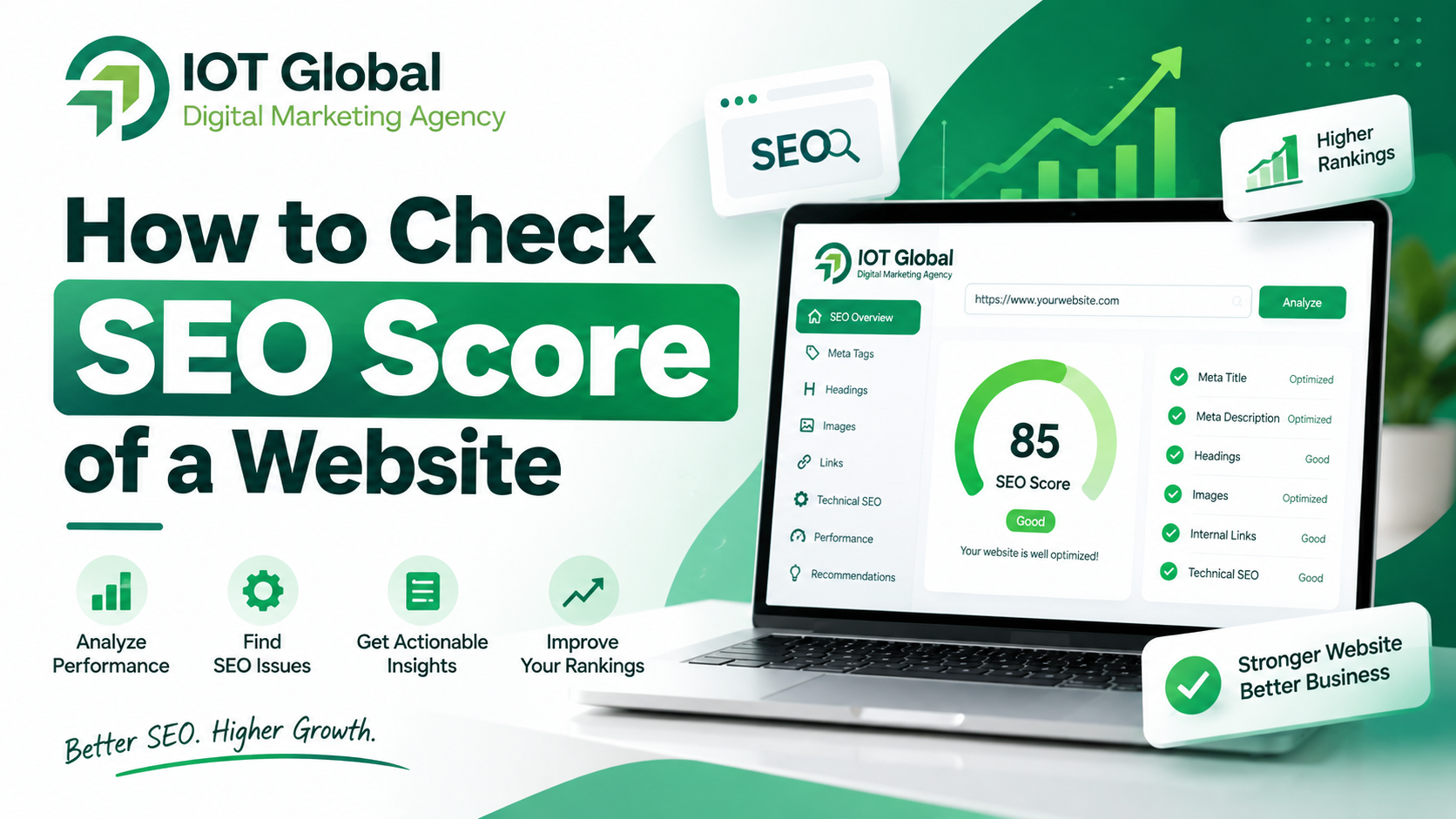
If you want to know how well your website is optimized for search engines, one of the easiest places to start is by checking its SEO score.
An SEO score gives you a quick overview of important areas of your website, including on-page SEO, technical SEO, meta tags, headings, images, links, and other optimization factors.
If you’re wondering how to check SEO score for your website, you can use a free SEO checker to analyze your website in just a few seconds.
What Is an SEO Score?
An SEO score is a numerical or percentage-based indication of how well a website meets a set of SEO checks.
Depending on the SEO audit tool, the score may consider factors such as:
- Meta title
- Meta description
- Heading structure
- Image ALT attributes
- Internal and external links
- Canonical URL
- Robots.txt
- XML sitemap
- Schema markup
- Open Graph tags
- HTTPS/SSL
- Technical SEO elements
An SEO score should be treated as a diagnostic indicator, not as a direct Google ranking score. Google does not assign websites a single public “SEO score” that determines their rankings.
Instead, use an SEO score to identify areas that may need improvement.
How to Check SEO Score of a Website
The easiest way to check SEO score is to use an online SEO audit tool.
Step 1: Open a Free SEO Checker
Go to the [IOT Global Free SEO Checker] and enter the website URL you want to analyze.
You don’t need to manually inspect every page source element. The tool can perform multiple SEO checks and present the results in an easy-to-understand report.
Step 2: Enter Your Website URL
Enter the complete URL of your website.
For example:
https://example.com
Then click Analyze Website.
Make sure you enter the correct website URL that you want to audit.
Step 3: Review Your SEO Score
Once the analysis is complete, review your overall SEO score along with the individual checks.
Look beyond the number itself.
For example, a website may receive a good overall score but still have specific issues with:
- Missing ALT text
- Poor meta descriptions
- Missing canonical tags
- Heading structure
- Broken links
- Schema implementation
These individual findings are often more useful than the overall score.
Step 4: Check the Individual SEO Factors
A good website SEO audit should provide more than one number.
Review the important areas separately.
Meta Title
Your title helps users and search engines understand the subject of a page. Review whether important pages have useful, descriptive titles.
Meta Description
Check whether important pages have relevant descriptions that accurately summarize their content.
Headings
Review your H1, H2 and other heading elements to make sure the page has a logical content structure.
Images
Check whether important images have useful ALT text where appropriate.
Links
Look for broken links and review your internal linking structure.
Canonical URL
Check whether important pages have an appropriate canonical URL when canonicalization is needed.
Robots.txt
Make sure your robots.txt file isn’t unintentionally blocking pages or resources that should be accessible to search engines.
XML Sitemap
Check whether your website has an accessible XML sitemap containing the URLs you want search engines to discover.
Schema Markup
Review structured data where it is relevant to the content on your pages. Structured data can help Google understand page content and may make pages eligible for certain search features, although it does not guarantee enhanced search results.
What Is a Good SEO Score?
There is no universal SEO score that Google uses to rank websites.
Different SEO tools use different scoring systems and different sets of checks. Therefore, you shouldn’t compare scores from two different tools as if they were the same measurement.
Instead of focusing only on whether your score is “good,” look at:
- How many important issues were identified?
- Which issues affect important pages?
- Are there technical problems preventing crawling or indexing?
- Are your titles and descriptions relevant?
- Is your content useful and well structured?
- Are your internal links helping users discover related content?
The goal should be to identify and fix meaningful SEO problems, rather than simply trying to reach 100/100.
Why Should You Check Your Website SEO Score?
Regular SEO checks can help you identify problems before they become larger issues.
1. Find On-Page SEO Problems
An audit can highlight missing or poorly optimized page elements such as titles, descriptions and headings.
2. Identify Technical SEO Issues
Technical checks can help you investigate areas such as robots.txt, sitemap, canonical URLs, HTTPS and HTTP responses.
3. Improve Website Structure
Reviewing headings, links and important page elements can help you create a clearer website structure.
4. Monitor SEO Improvements
After making SEO changes, run another audit and compare the results.
However, remember that an improved tool score does not automatically mean improved Google rankings.
5. Find Issues Across Important Pages
Your homepage might be well optimized while service pages, blog posts or landing pages have problems.
That’s why SEO audits should be performed across important areas of a website, not just the homepage.
How Often Should You Check Your SEO Score?
There is no universal schedule that every website needs to follow.
For a regularly updated business website, you can perform an SEO audit periodically and after major website changes.
It’s especially useful to check your website after:
- A website redesign
- Changing WordPress themes
- Migrating to a new domain
- Changing URLs
- Installing major SEO plugins
- Publishing large amounts of content
- Changing robots.txt
- Changing sitemap settings
- Making major technical SEO changes
For ongoing monitoring, Google Search Console can show clicks, impressions, CTR and average position, as well as the queries and pages generating search visibility.
SEO Score vs Google Search Performance
Your SEO score and your actual Google Search performance are two different things.
An SEO checker can identify technical and on-page issues based on its audit rules.
Google Search Console, on the other hand, provides actual search-performance data such as:
- Clicks
- Impressions
- CTR
- Average position
- Search queries
- Pages
- Countries
- Devices
Google recommends using Search Console’s Performance reports to understand which queries and pages are generating search visibility and clicks.
For example, if your SEO score improves from 70 to 90, that doesn’t automatically mean your organic traffic will increase by a specific percentage.
SEO involves many factors, including content relevance, technical accessibility, competition, links, search intent and overall website quality.
How to Improve Your SEO Score
After you check SEO score, don’t stop at the report. Use the findings to create an action plan.
Fix Missing Meta Titles
Make sure important pages have descriptive and relevant title elements.
Improve Meta Descriptions
Write descriptions that accurately explain the page and encourage relevant searchers to visit.
Optimize Heading Structure
Use headings to organize your content logically and make the page easier to understand.
Add Relevant Image ALT Text
Describe meaningful images appropriately rather than adding keyword-stuffed ALT text.
Fix Broken Links
Find links that return errors and update or remove them where necessary.
Review Robots.txt
Make sure your robots.txt rules aren’t unintentionally preventing access to content you want crawled.
Check Your Sitemap
Make sure your XML sitemap is accessible and reflects the URLs you actually want search engines to discover.
Improve Internal Linking
Link related pages together using descriptive, natural anchor text.
Implement Relevant Structured Data
Where appropriate, use structured data that accurately represents the content on the page.
Check SEO Score of Your Website for Free
Want to find out how your website is performing?
Use the [IOT Global Free SEO Checker] to analyze your website and identify potential SEO issues.
Enter your website URL → Run the SEO Check → Review your SEO report → Fix the identified issues.
The tool can help you review important SEO elements from one place instead of manually checking every element.
Frequently Asked Questions
What is an SEO score?
An SEO score is an audit-based indicator showing how well a website meets a particular set of SEO checks. Different SEO tools may calculate scores differently.
How can I check SEO score for free?
You can use a free online SEO audit tool. Enter your website URL, run the analysis and review the individual SEO issues identified by the tool.
Is an SEO score the same as Google ranking?
No. An SEO score from a third-party audit tool is not the same as Google’s ranking system. Use it as a diagnostic tool rather than a direct prediction of rankings.
What is a good SEO score?
There is no universal SEO score that guarantees good Google rankings. Instead of focusing only on the number, prioritize fixing meaningful technical and on-page SEO issues.
How often should I check my SEO score?
You can periodically audit your website and perform an additional check after major changes such as redesigns, migrations, URL changes or significant technical updates.
Can an SEO checker improve my Google ranking?
An SEO checker itself does not improve rankings. It helps identify potential issues. You need to implement appropriate improvements and create useful content to improve your website’s search performance.
Can I check my competitor’s SEO score?
If the tool supports analyzing publicly accessible pages, you can audit competitor websites for educational and benchmarking purposes. However, an audit score should not be treated as a complete measure of a competitor’s SEO performance.
Final Thoughts
Learning how to check SEO score is a useful first step when evaluating your website’s SEO health.
However, don’t focus exclusively on getting a perfect score.
Use an SEO checker to identify technical and on-page issues, prioritize the problems that matter most, make improvements, and then monitor your actual search performance through tools such as Google Search Console.
The combination of SEO auditing + useful content + technical improvements + search-performance monitoring gives you a much more practical approach to improving your website’s organic visibility.
Ready to check your website?
[Check Your SEO Score for Free → FREE SEO CHECK TOOL
Use the IOT Global Free SEO Checker to start your website audit.